
Lattis

A native Linux game launcher.Fast, themable, and portable.
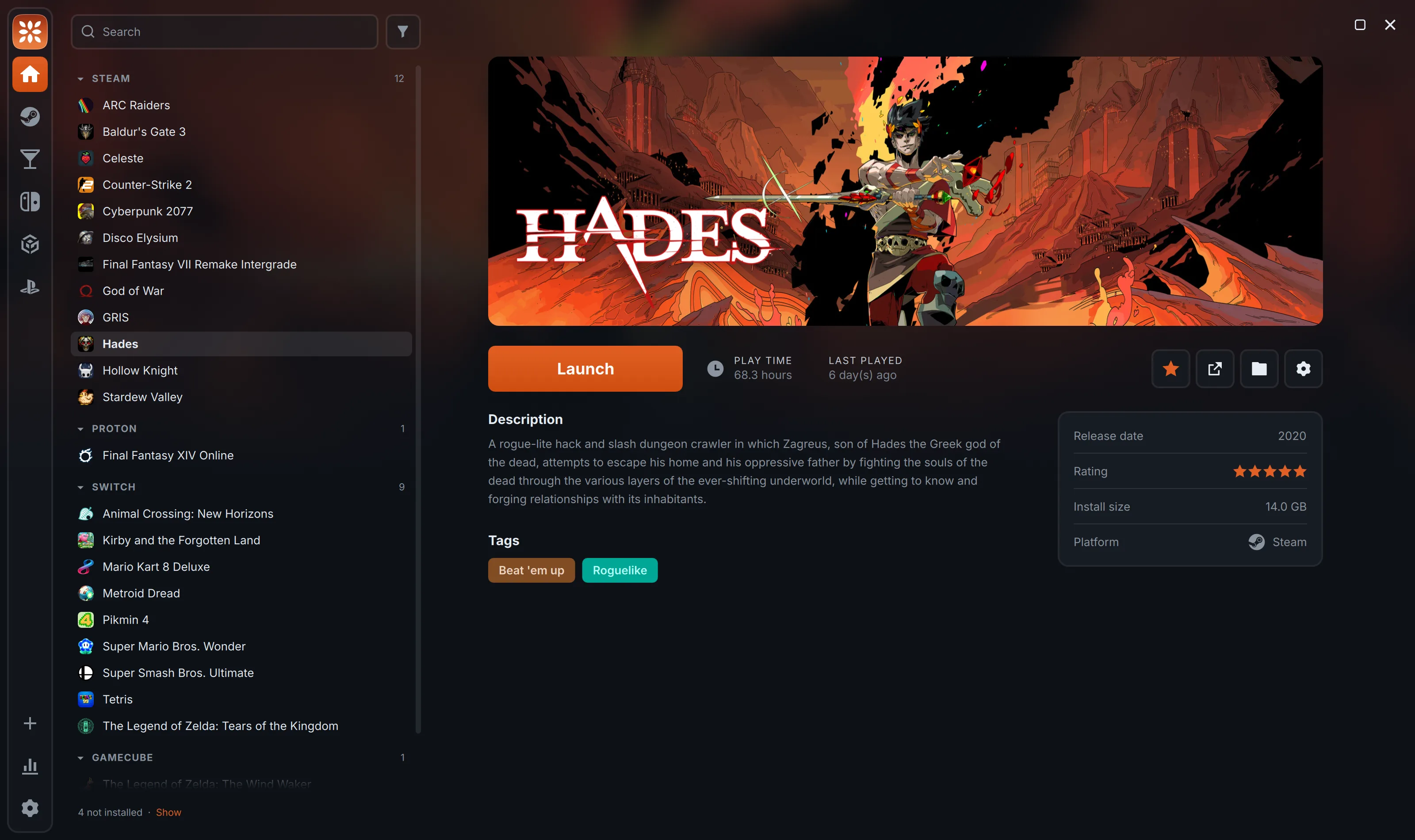
One launcher for everything you play
Emulated games, your Steam and Epic libraries, Windows games through Proton, and native Linux games, all in one list with the same launch options, play time and tags. It replaces a separate frontend for each emulator.
-
Emulators
Add your ROM folders once and new games appear on startup, named from the game itself or from known game lists. Twenty emulators are built in, from Switch to arcade, and Lattis installs and updates them for you.
- Eden
- Azahar
- Dolphin
- PCSX2
- RPCS3
- mGBA
- +14 more
-
Steam
Your whole Steam library, installed or not, with its play time, achievements and what your friends are playing. Updates, launch options and the Proton version are set from Lattis.
- Whole library
- Achievements
- Friends
- ProtonDB
-
Epic
Your Epic library comes in through Heroic. Install, update, verify and uninstall games from Lattis, with their own Wine prefix and version, and their play time counts.
- Heroic
- Install & update
- Wine prefix
-
Proton
Windows games run as non-Steam shortcuts that Lattis manages for you, with preset launch options. Mod managers get a shortcut that shares the game's prefix.
- MangoHud
- Managed shortcuts
- Mod managers
-
Native
Linux games and AppImages sit in the same list, with the same tags, favorites and launch arguments. AppImage games update from their releases.
- AppImages
- Updates
- Launch arguments




Art & metadata
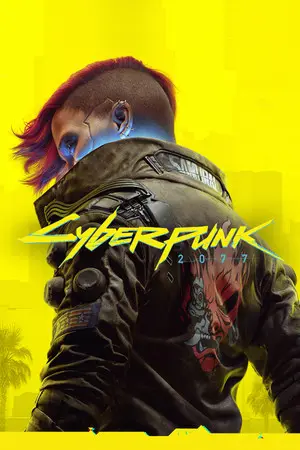
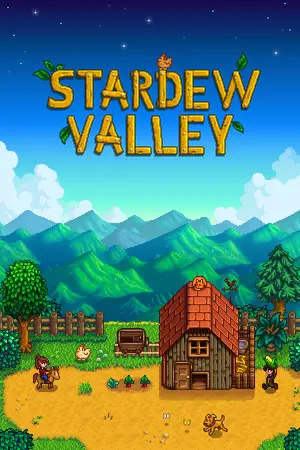
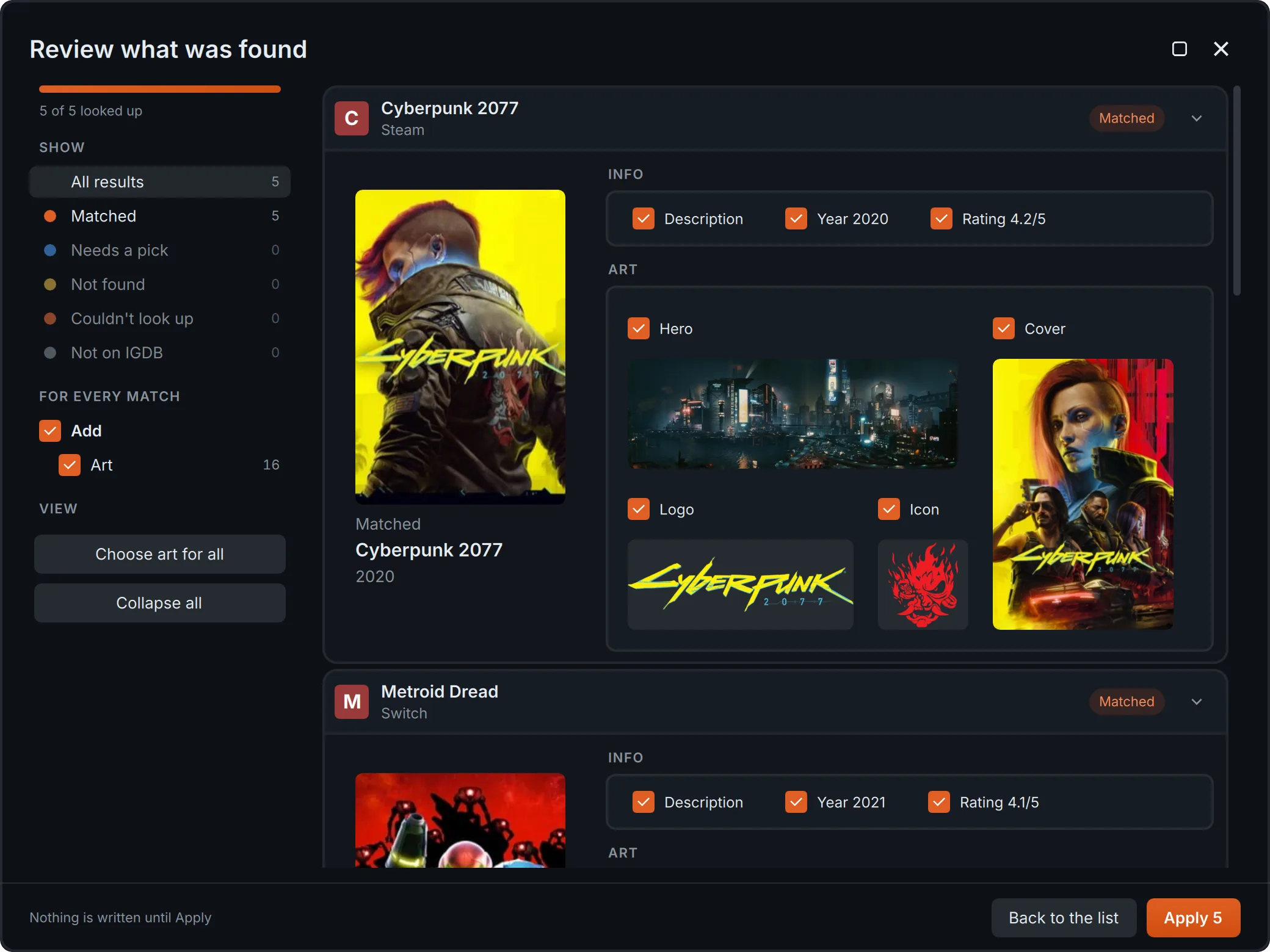
Hero art, covers, logos and icons from SteamGridDB, and descriptions, years and ratings from IGDB. One game at a time or in bulk, and you review the results before anything is saved.
One folder to back up
That's what portable means: your library, settings, themes and art all live in one folder. Copy it to back up, or use the built-in export. Game saves are backed up when a game closes, found with the Ludusavi manifest.
Fast
Native C++ with QML compiled ahead of time. The library draws from a local cache on the first frame, so nothing waits on a folder scan.
Make it yours
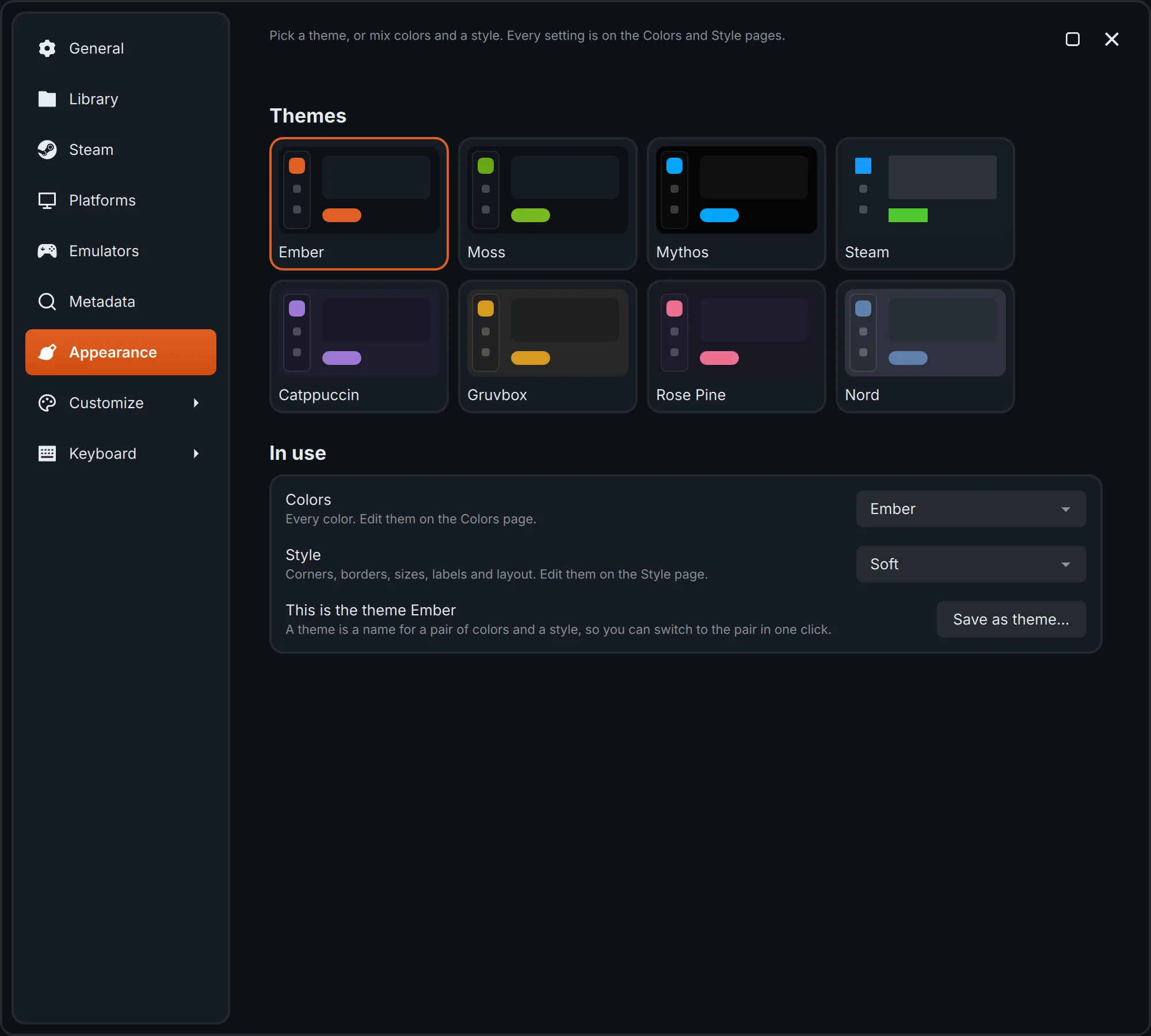
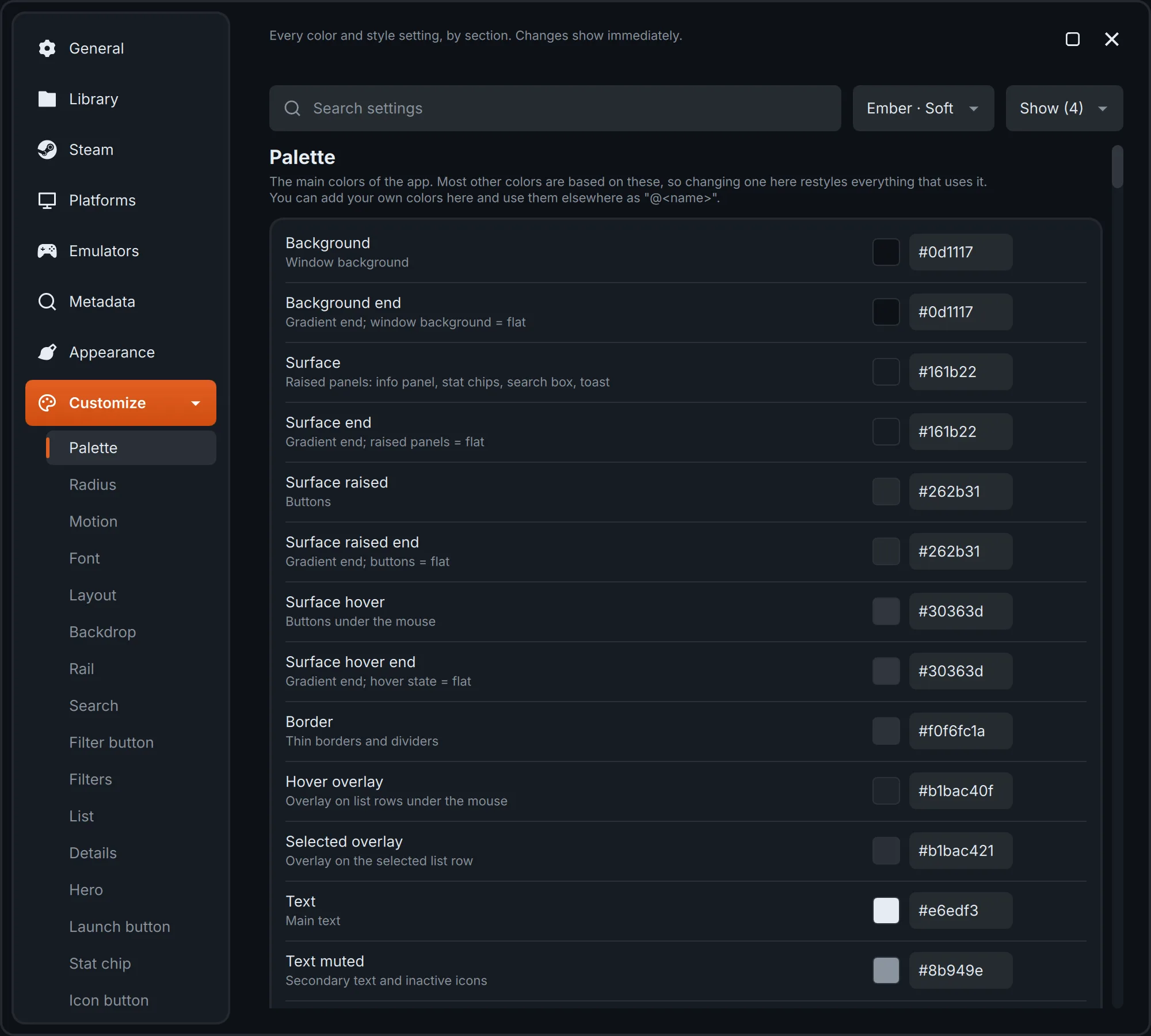
Lattis ships with eight sets of colors and four styles, from square to round. Mix any colors with any style, save the pair as a theme, and switch in one click. Each half is just a file: start from any built-in, change only what you want, and the app picks up the change when you save.
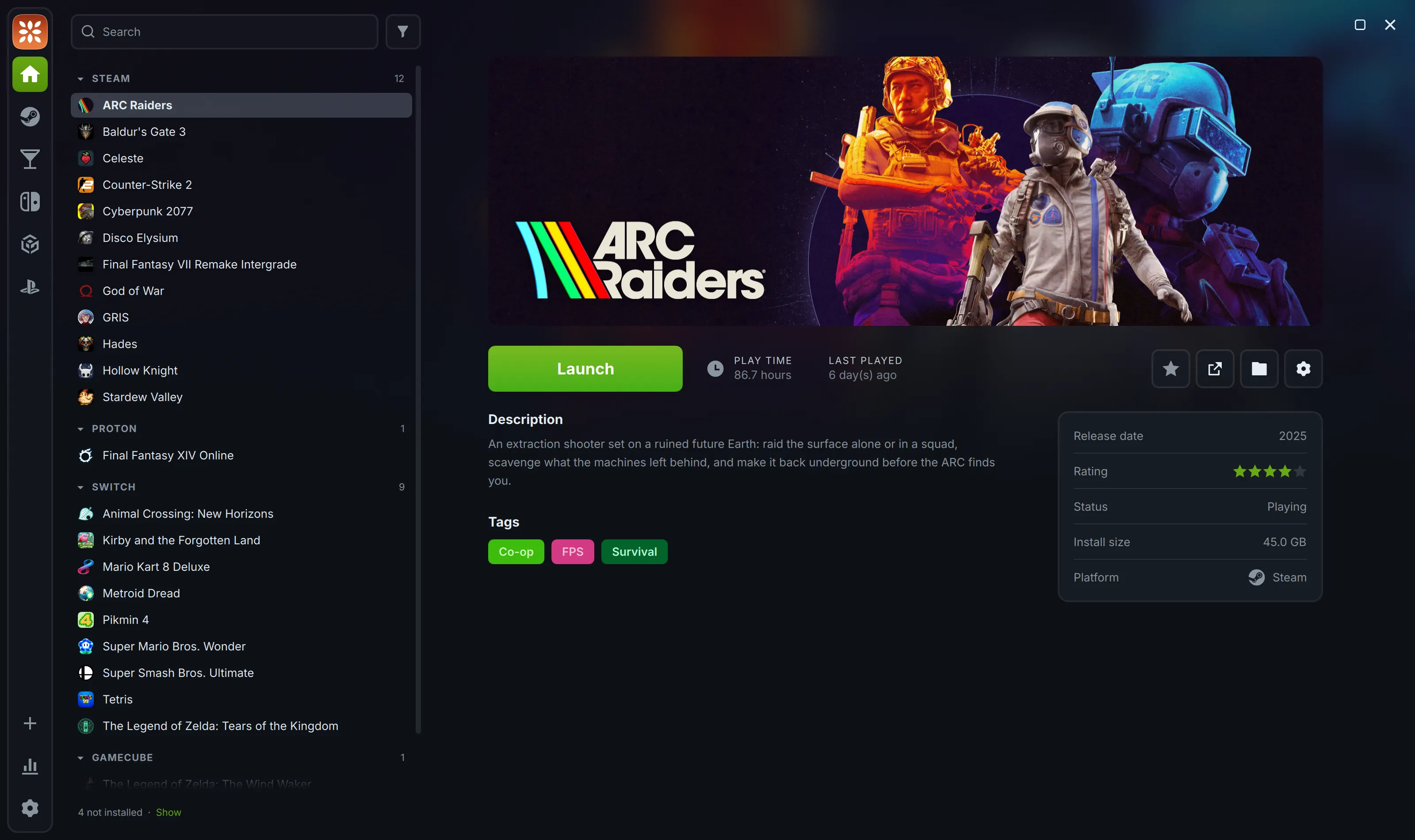
Browse by cover
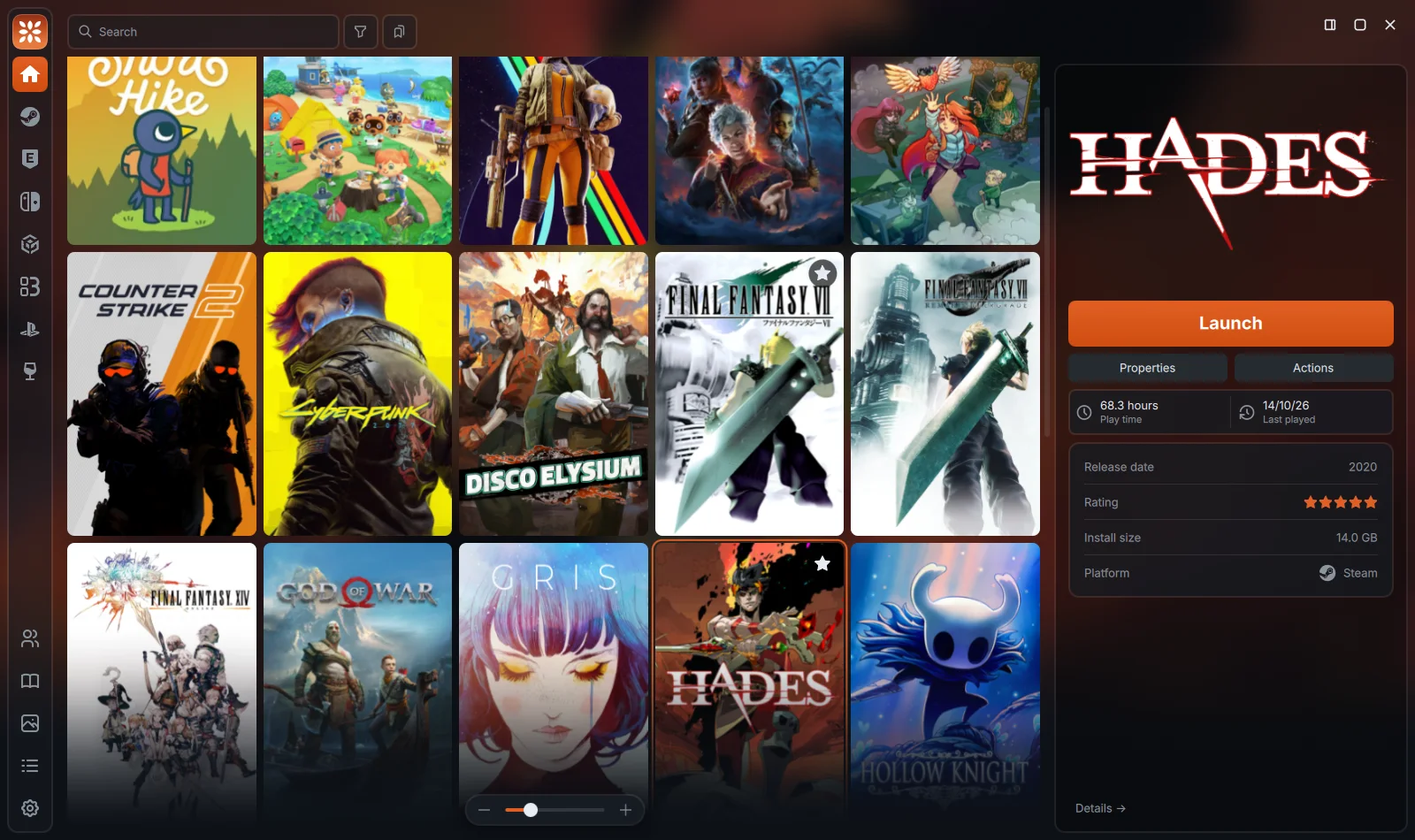
Switch to Grid view for a wall of covers, with the selected game's logo, Launch button and facts in a side panel. Search, filters and your selection carry over between the list and the grid, and a slider sizes the covers.
- Ctrl+G switches views, and Lattis remembers the one you used
- The side panel has its own chips, cards and backdrop to theme
Find anything, fill the gaps
Search ignores accents and word order, and filters cover installed, favorites, status, tags, year, rating, play time and achievements. Collections keep hand-picked games and saved filters. Games missing a description, year, rating or art are looked up together on IGDB and SteamGridDB, and you review the results before anything is saved.
- Collections with their own sort, grouping and rules, or imported from Steam
- Colored tags, favorites, statuses and hidden games
- Only empty fields are filled, so your edits always win
See where your time goes
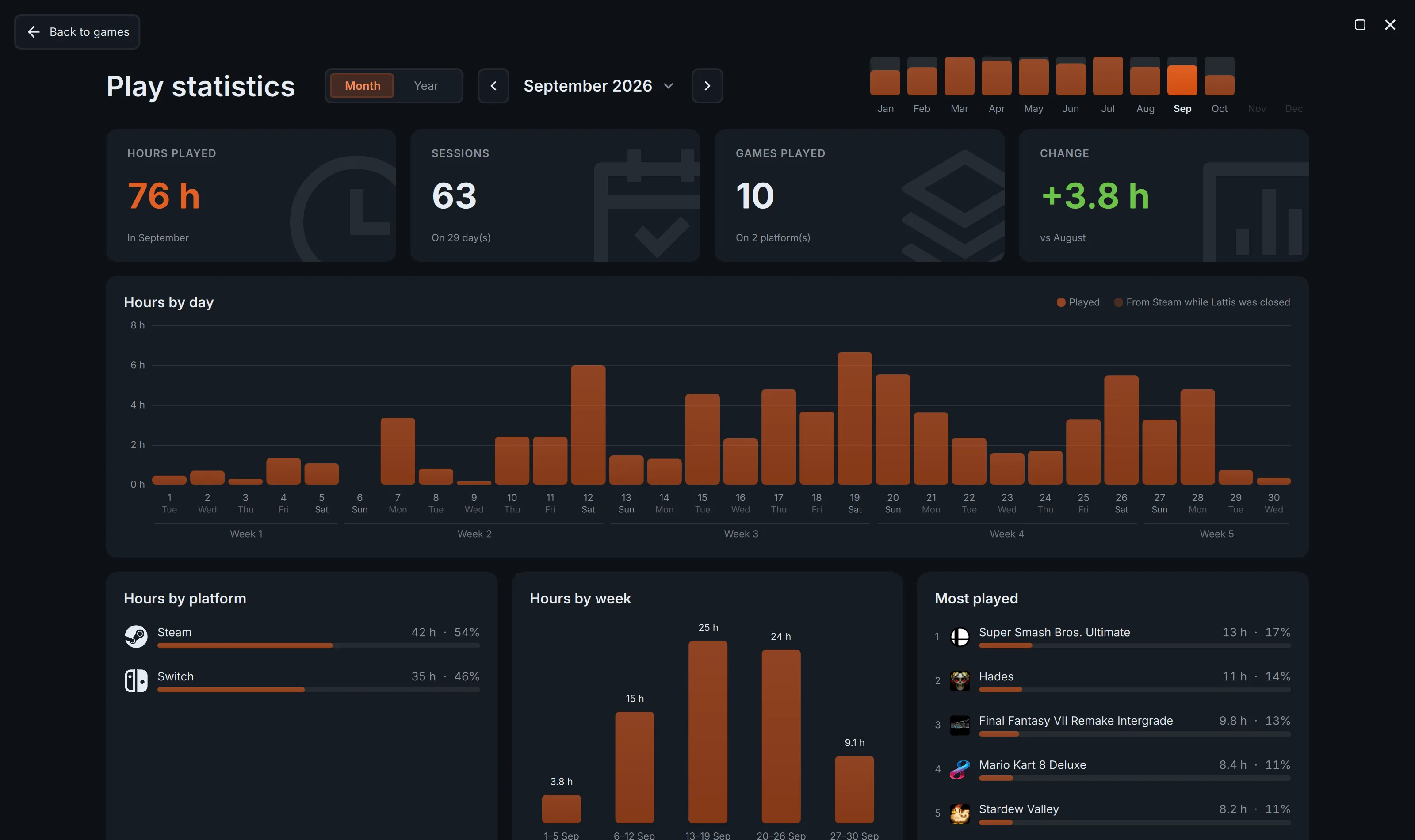
Every session is recorded, and you can add the ones played elsewhere by hand. Flip through months or years for hours played, sessions and games, with charts by day, week and platform. Steam and Epic time counts too, even when played from their own launchers. F9 opens it from anywhere.
- Hours played in September
- 76h
- Sessions, on 29 days
- 63
- Games, on 2 platforms
- 10
- Compared with August
- +3.8h
And where your library stands
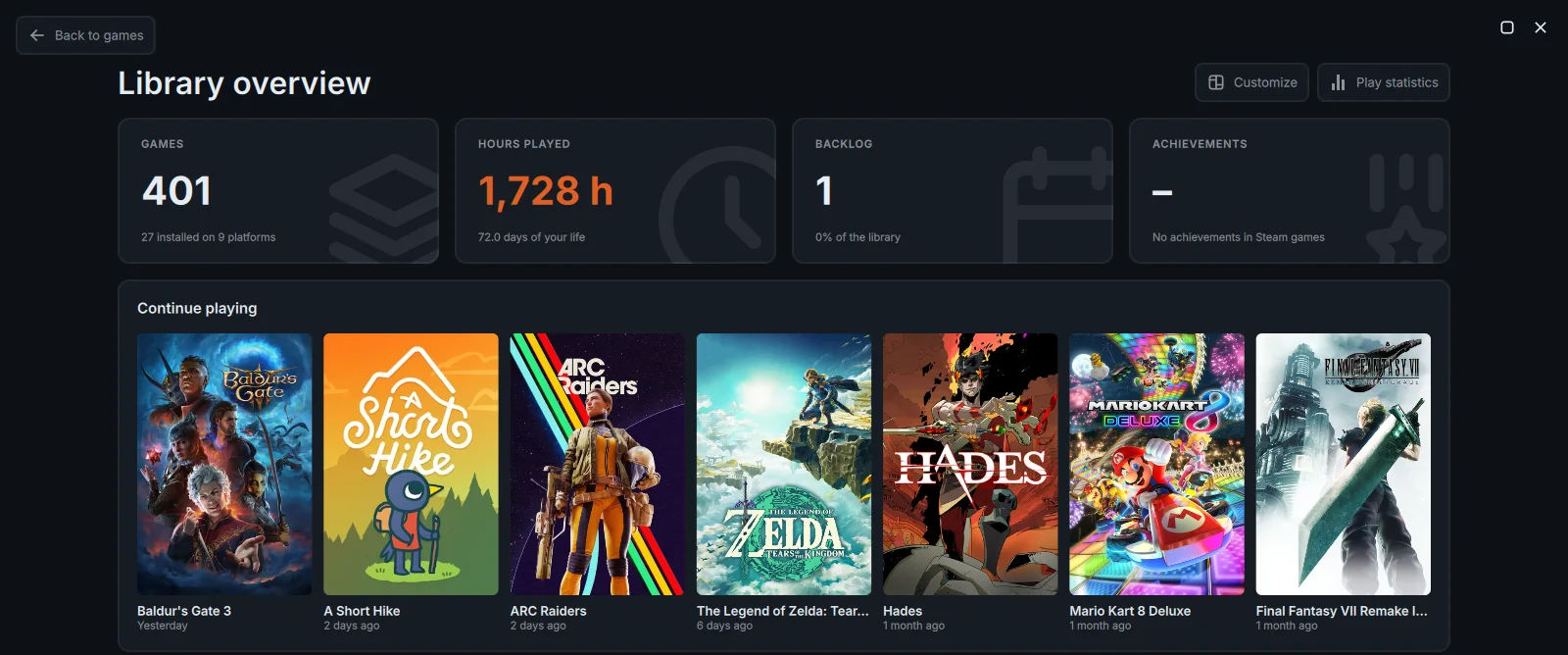
The Library overview (F7) sums up the library as it is now: games and hours, the backlog, achievements, what to continue playing, which drives your games fill, compatibility and save backups. Rearrange or hide its cards to suit you.
Set up in a minute
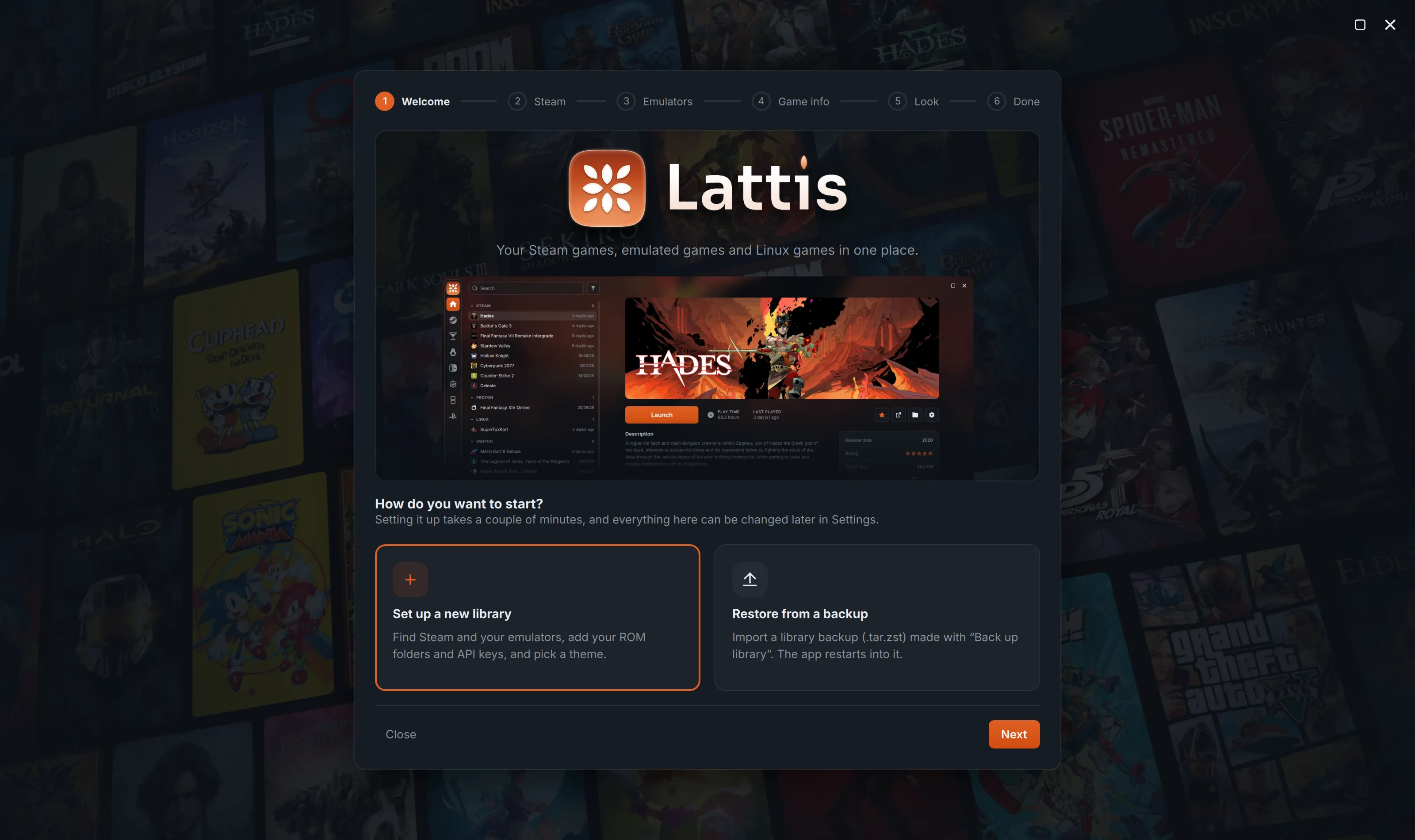
The first time Lattis starts, a seven-step guide imports Steam and Heroic, finds your emulators and ROM folders, installs the missing emulators, and adds API keys for art and info. Every step can be skipped, and you can run it again any time.
- One ROM folder per platform? Matched in one go
- Lattis updates itself from the app, with one check a day
- Nothing is scanned until you finish
Where it's at
Lattis is at version 1.4 and usable day to day, and it updates itself from the app. Grab the latest AppImage from the releases page.
Working
- First-start setup guide
- List and Grid views, Library overview and play statistics
- Colors and styles to mix and match, edited live in Settings
- Twenty emulators, installed and updated from the app, with retro systems and arcade
- Your whole Steam library, with achievements, friends and ProtonDB ratings
- Epic games through Heroic: install, update, verify and uninstall
- Proton and native Linux games, mod managers and AppImage updates
- Search, filters, collections and several games selected at once
- SteamGridDB art and IGDB metadata
- Automatic save backups with the Ludusavi manifest, and library backups
Next
- GOG and Amazon games through Heroic
- The same game from several sources shown as one entry
- Moving installs between drives, and running Windows installers
Later
- Controller support and a TV layout
- Close to tray
- A command palette and a command line
Bring your whole library home
Grab the latest AppImage, run it, and the setup guide takes it from there.